Linux Administration for Cybersecurity
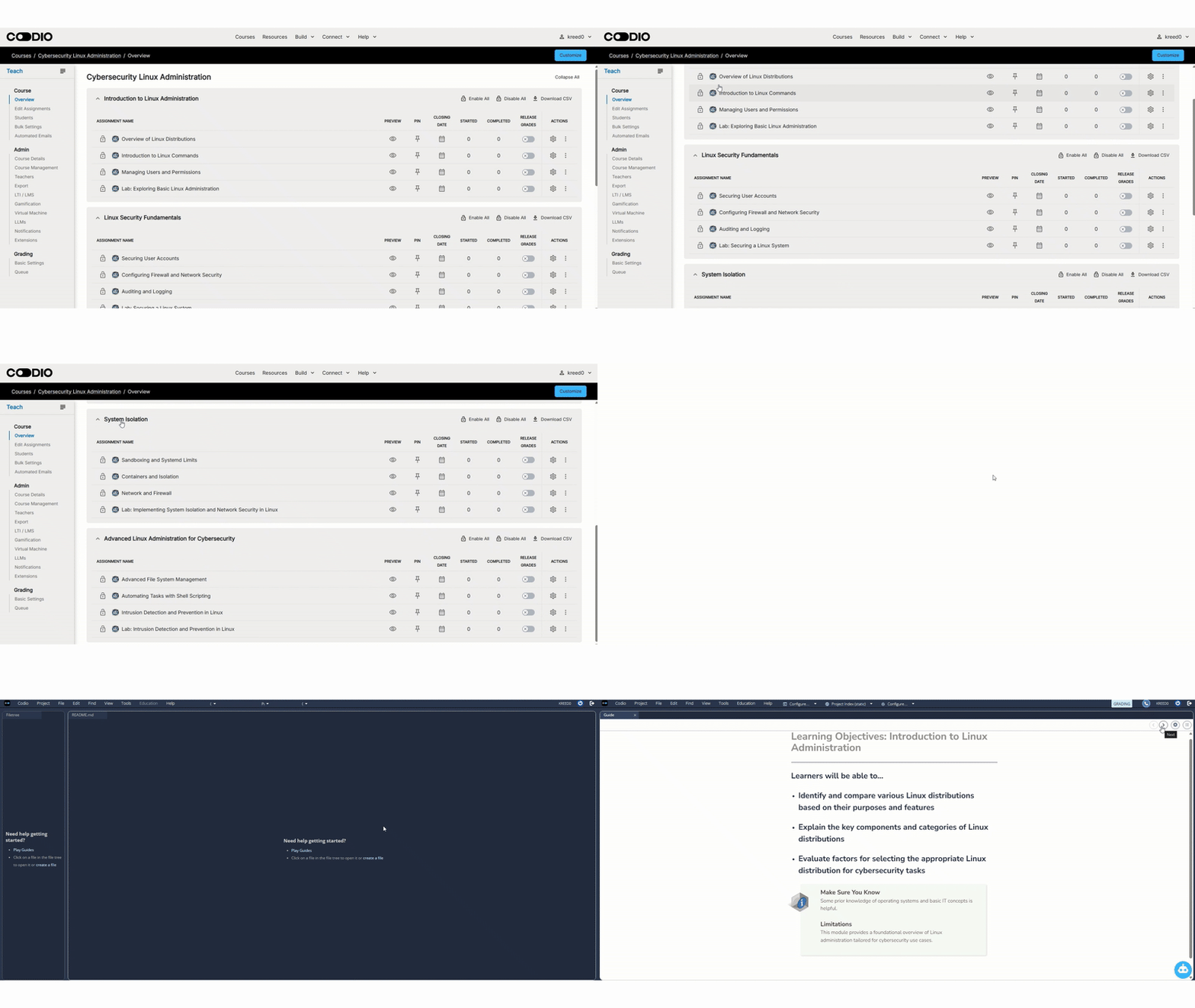
Constructing Knowledge Through Linux Administration for Cybersecurity
Our Linux Administration for Cybersecurity course content emphasizes students applying and exploring the information presented within the context of a real Linux command-line environment. To provide a thorough introduction to Linux administration, a terminal or Cyber Range workspace accompanies each page with new concepts so students can see for themselves how the operating system responds to commands. In addition, the content provides command snippets to get students started as well as suggested avenues for investigation.
In order to maximize their benefit from this course, students should possess a basic understanding of how to work on a computer (files, folders, settings, and installing tools). Prior programming experience is not required, but learners will regularly practice the same problem- solving habits used in scripting and cybersecurity work: reading output carefully, recognizing patterns, and troubleshooting errors.
Students will use Linux commands to:
● Navigate the filesystem and manage files and directories
● Inspect file ownership and permissions, then modify access appropriately
● Create and manage users and groups to support least privilege
● Examine processes and system activity using command-line tools
● Apply foundational security practices used in Linux-based environments
Auto-Graded Assessments and Instant Learner Feedback
Students receive immediate, rich feedback. In addition to correctness feedback (i.e., right or wrong), students will also see an explanation with the complete solution or an example of the expected outcome.
There are a wide variety of questions - all of which are auto-graded - giving students a sense of their understanding of the material right after they are introduced to it and as they attempt harder and harder problems. Auto-graded assessments also include practical command-line exercises throughout modules where students are evaluated on:
● Running the correct command(s)
● Producing the correct output or system state
● Demonstrating secure administration habits (like proper permissions and safe file handling)
Lowering the Barrier to Entry
The materials for this Linux administration course are designed to align with the current needs of cybersecurity education, meeting students at their level of understanding. Like any specialized community, Linux administration has its own jargon. The formal teaching of Linux and cybersecurity concepts should not burden students with the assumption that they are fluent in this special language.
The material is presented in smaller units that are more manageable for the students. The same vocabulary and concepts are covered, but in a more approachable way - state things as plainly as possible and, when appropriate, use images, tables, or lists.
Another way in which our Linux administration content is more approachable is that it uses many small tasks instead of one large task. Research shows that a variety of smaller problems ncrease student performance and reduce stress. Using many small problems leads to students spending a sufficient amount of time on their work, and they do not wait until the last moment to begin their work.
Encouraging Customization Through Modularity
This content is not a one-size-fits-all solution. Instead, it implements a modular format. Naturalbreakpoints occur in the curriculum where instructors can make necessary changes. Instructors can rename, re-order, or remove units and can author new material using Codio's powerful curriculum content authoring tools, giving complete flexibility when designing the learner's experience.
Because the course is security-aligned, instructors can also easily extend it by adding organization-specific tooling or workflows (for example: log review practices, secure account standards, or hardening checklists) without disrupting the learning progression.